
What Do I Spend?
One honest answer to an uncomfortable question.
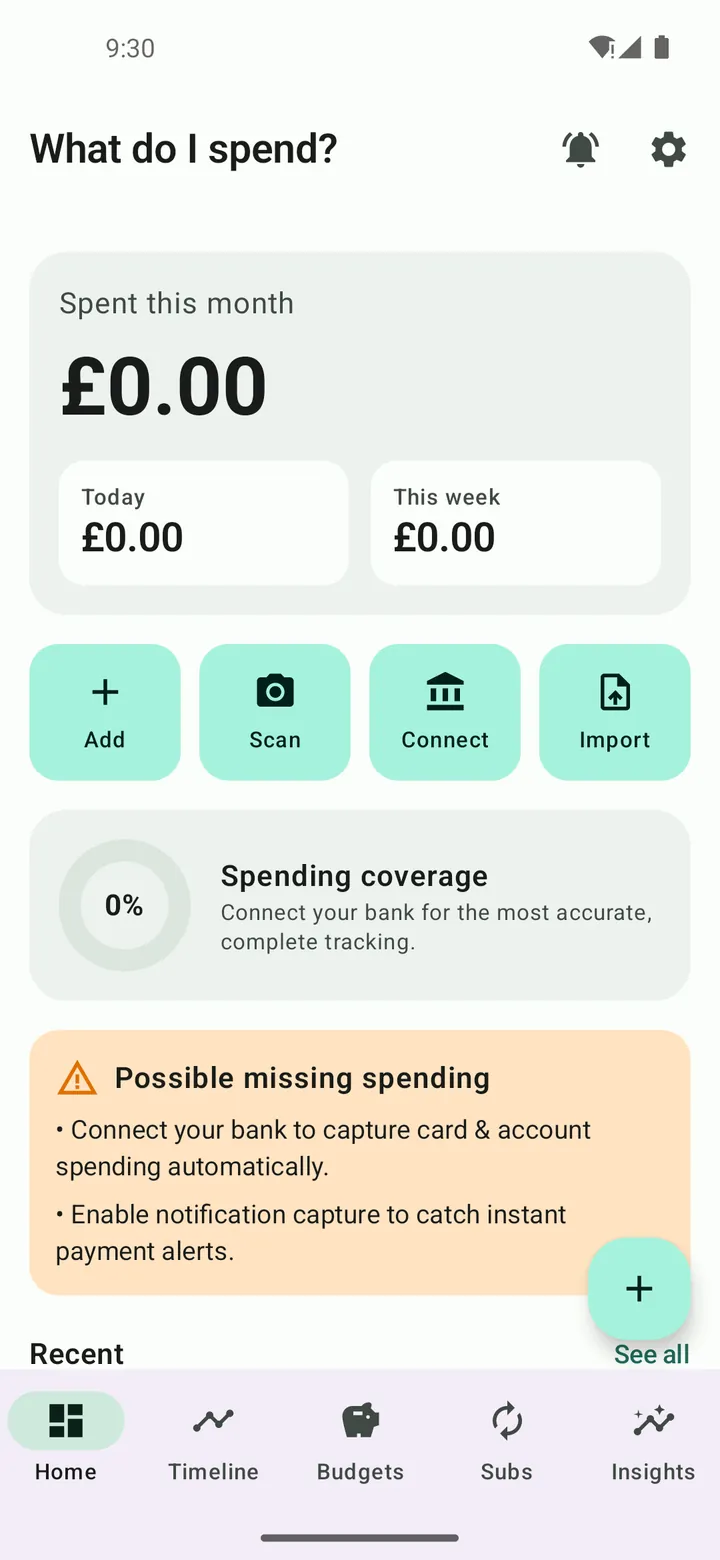
A privacy-first spending tracker that merges consented sources — notifications, receipts, imports and manual entries — into one clear timeline.
Worth knowing
What Do I Spend? is a personal record-keeping tool, not financial advice. It never reads private data inside other apps — Android does not allow it, and this app never attempts it.
Screenshots
Captured from the release build running on an Android 14 emulator.
Showing screenshot 1 of 3
What Spend is
What Do I Spend? answers the question in its name by merging every legitimate, user-consented source of spending into one timeline: transaction notifications you allow it to read, receipts scanned with on-device OCR, statement imports and manual entries, with an Open Banking connection layer designed in (currently running against a working mock provider). It is pointedly honest about limits: it does not and cannot read hidden data inside banking or shopping apps — Android does not allow it, and this app never attempts it. A biometric lock guards the lot.
What it does
- One timeline merging notifications, receipts, imports and manual entries
- On-device receipt OCR
- Opt-in, per-app transaction-notification capture
- Open Banking architecture (mock provider today, honestly labelled)
- Biometric app lock
- Local-only storage with no analytics
Honesty first — about your money and about the app
The README's first promise is about limits: no secret scraping, no pretend integrations. What it does capture, it captures with your explicit consent — and keeps on your phone.
Getting Spend
What Do I Spend? is still in development and is not distributed yet. It is roughly 50% of the way to a first public release.
At a glance
- Status
- Active Development
- Runs on
- Android
- Offline use
- Works offline
- Package
- com.whatdoispend
- Last updated
Privacy
Your spending data is stored on your device behind a biometric lock. Receipt OCR runs on-device; the Open Banking layer is architecture with a mock provider, not a live connection.
Permissions
- Camera
- Scans paper receipts. Text recognition runs on the device via ML Kit.
- Notification access (optional)
- Reads transaction notifications from apps you explicitly select, to log spending automatically. Granted separately in system settings.
- Internet
- Reserved for the Open Banking connection layer. The current build ships a working mock provider; no live bank connection exists yet.
- Biometrics
- Locks the app behind your fingerprint or face unlock.
Technical details
Technical details
Built with
How it is put together
- Receipt capture uses on-device ML Kit OCR; a notification listener classifies transaction alerts locally.
- An Open Banking provider interface exists with a working mock implementation — no live bank connection.
Development workflow
Built through Claude Code.
Accessibility in the app
- Spending totals announced as text, never colour-coded alone
- Biometric lock with device-credential fallback
Related projects
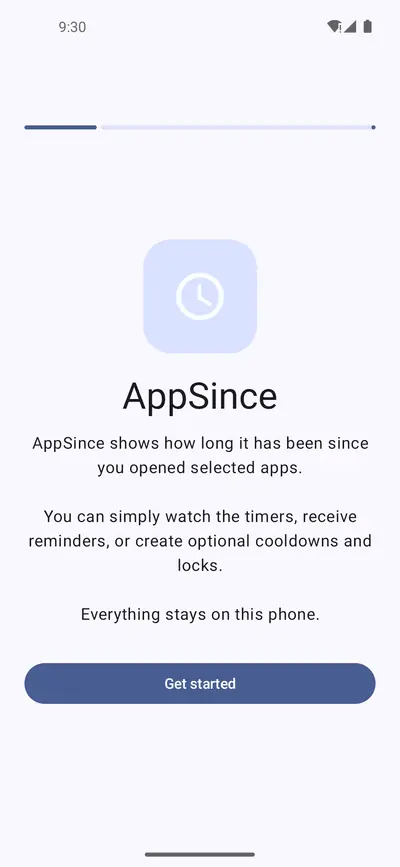
AppSince
See how long it has been. Decide when to return.
Active DevelopmentAndroid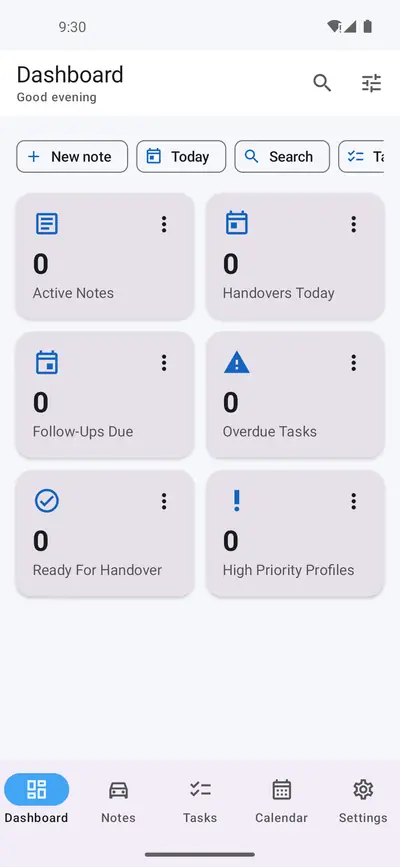
Handover Manager
Every handover ready. Every customer remembered.
Active DevelopmentAndroid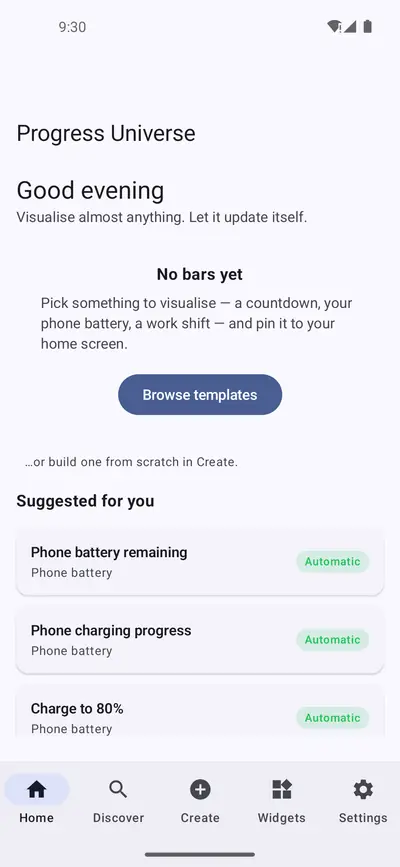
Progress Universe
Visualise almost anything. Let it update itself.
Active DevelopmentAndroid