
Pocket Control
Everything your phone can do, in one place.
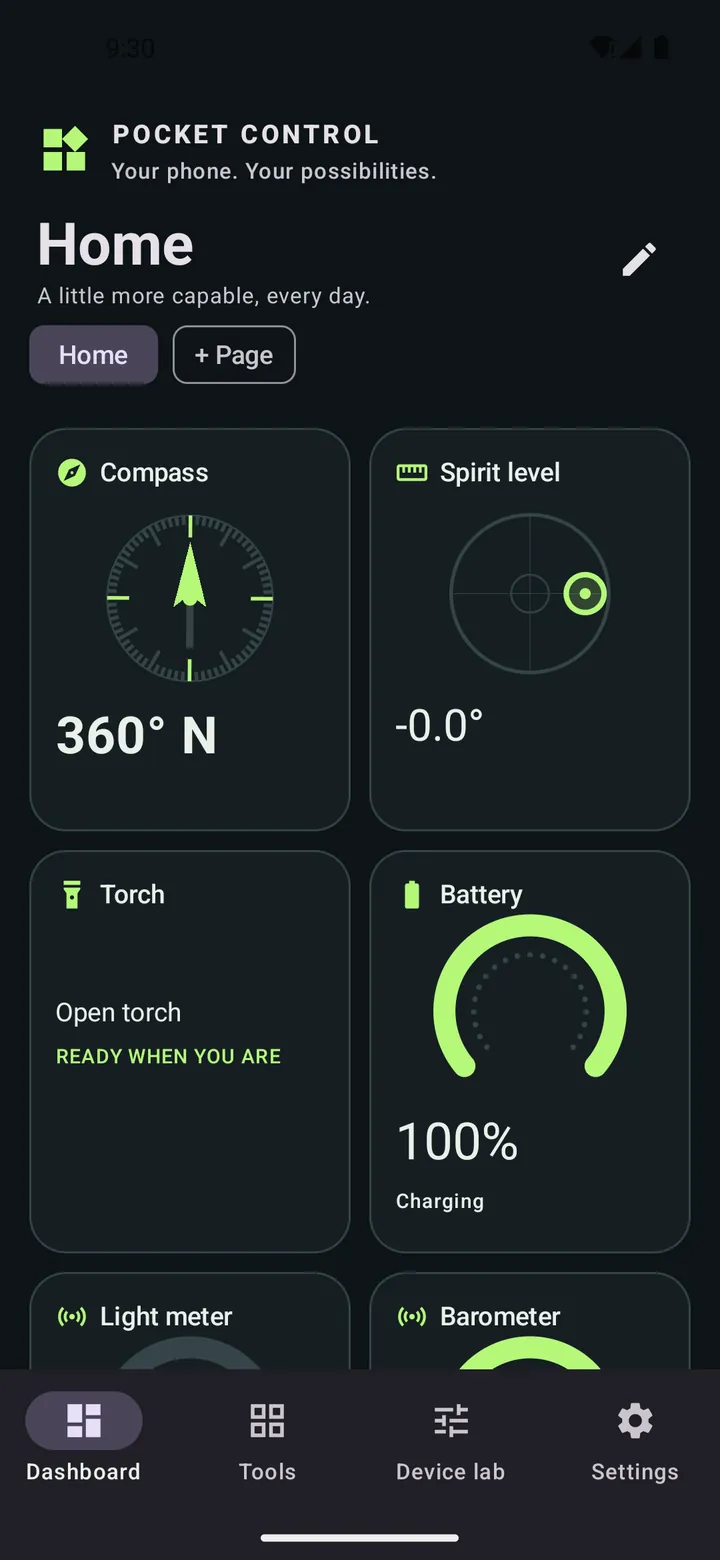
A dashboard of the sensors, controls and small tools already inside your phone — compass, spirit level, light meter, barometer, Bluetooth and more.
Worth knowing
Readings come from consumer phone sensors. They are useful for everyday jobs, but they are not calibrated scientific or safety instruments.
Screenshots
Captured from the debug build running on an Android 14 emulator.
Showing screenshot 1 of 4
What Pocket Control is
Pocket Control starts by scanning the phone it is running on: every sensor and hardware feature Android reports, without switching on the camera, microphone or radios. What it finds becomes a library of tools and a dashboard you arrange yourself — a compass with accuracy guidance, a spirit level, a light meter, a barometer with altitude, live sensor graphs, a QR and barcode reader, a magnifier, NFC reading and writing, Bluetooth discovery, display and audio tests. Tools the phone cannot support explain why rather than appearing broken, and permission-gated tools ask for access only when opened. Dashboards, pages and widget sizes persist locally in a Room database with explicit migrations, and nothing is uploaded: there is no account, cloud service or analytics. The project's own feature matrix records the boundaries honestly — no AR measuring, no certified sound-level readings, no brand IR code database.
What it does
- A first-launch scan that finds what this particular phone can do
- A dashboard of live widgets you arrange, resize and spread across pages
- Compass, spirit level, light meter, barometer and live sensor graphs
- QR and barcode reader, magnifier and colour sampling
- NFC reading and writing, Bluetooth discovery and Wi-Fi details
- Tools that ask for permission only when you open them
- No account, cloud service or analytics
Honest about the hardware
Phones differ enormously in what they contain. Pocket Control shows only what the phone reports, explains anything it cannot offer, and never pretends a consumer sensor is a laboratory instrument.
Getting Pocket Control
Pocket Control is still in development and is not distributed yet. It is roughly 75% of the way to a first public release.
At a glance
- Status
- Active Development
- Version
- 1.0.0
- Runs on
- Android (Android 8.0+)
- Offline use
- Works offline
- Package
- com.pocketcontrol
- Last updated
Privacy
Everything stays on the phone. There is no account, cloud service or analytics, and sensitive saved items are excluded from device backups.
Permissions
- Camera
- QR and barcode reading, the magnifier and colour sampling — requested only when one of those tools is opened.
- Microphone
- The sound level meter and audio tools, while they are open.
- Location
- Required by Android for some Bluetooth and Wi-Fi scanning on older versions; there is no background location.
- Nearby devices (Bluetooth and Wi-Fi)
- Bluetooth Low Energy discovery and Wi-Fi Direct peers, declared as never used for location.
- NFC
- Reading tags, and writing text to a tag only when you explicitly arm it.
- Physical activity
- The step counter, where the phone has one.
- Infrared transmitter
- Sending infrared signals from profiles you enter yourself, on phones with an IR blaster.
- Biometrics
- Optional lock for saved items.
- Internet
- Declared because Android's Wi-Fi Direct requires it; the app has no network client, uploads or analytics.
Technical details
Technical details
Built with
How it is put together
- A capability layer describes every sensor and feature the phone reports, so dashboards reference tools by stable ID and survive hardware changes.
- Sensors share a single stream per type that stops with its last subscriber; visible widgets choose 40 ms, 200 ms or one-second updates.
- Room schema with an explicit migration — no destructive fallback — plus DataStore preferences and validated, additive dashboard backups.
- Bluetooth discovery stops after 12 seconds and GATT discovery times out after 15, so radios are never left running.
Development workflow
Built through ChatGPT.
Timeline
- Version 1.0.0
First native build with tests, lint, a debug APK and a minified release bundle; physical-device acceptance pending.
Accessibility in the app
- Visual instruments carry text readings, not just dials
- Unsupported tools explain why in words
- Adaptive widget grid that reflows for larger text
Related projects
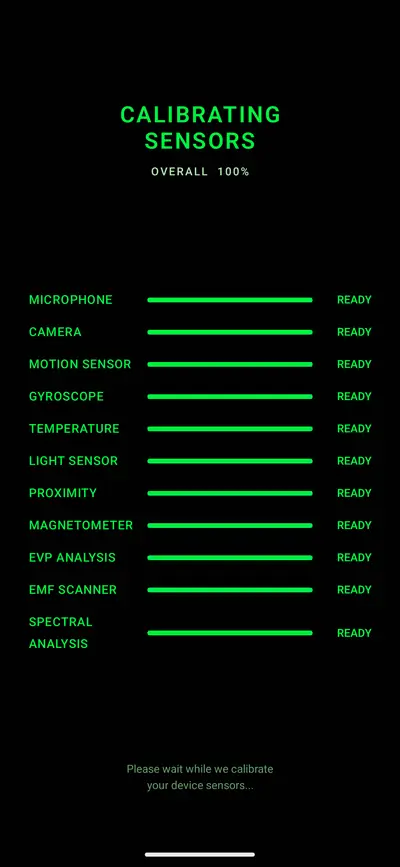
Paranormal Investigation Toolkit
Every investigation instrument, honestly built.
ReleasedAndroidv1.0.0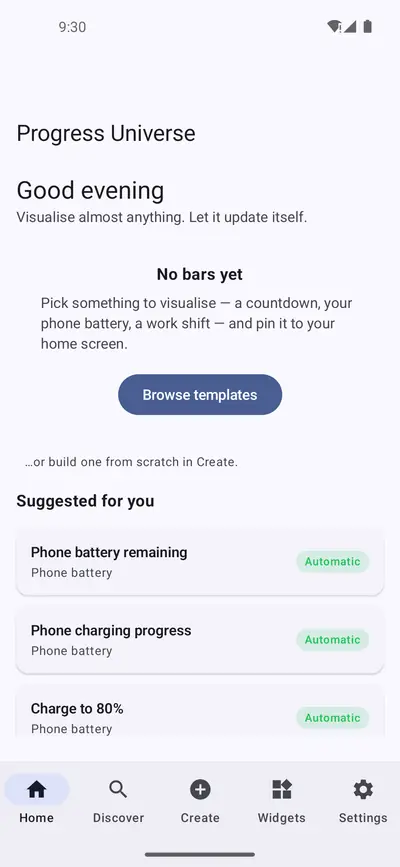
Progress Universe
Visualise almost anything. Let it update itself.
Active DevelopmentAndroid